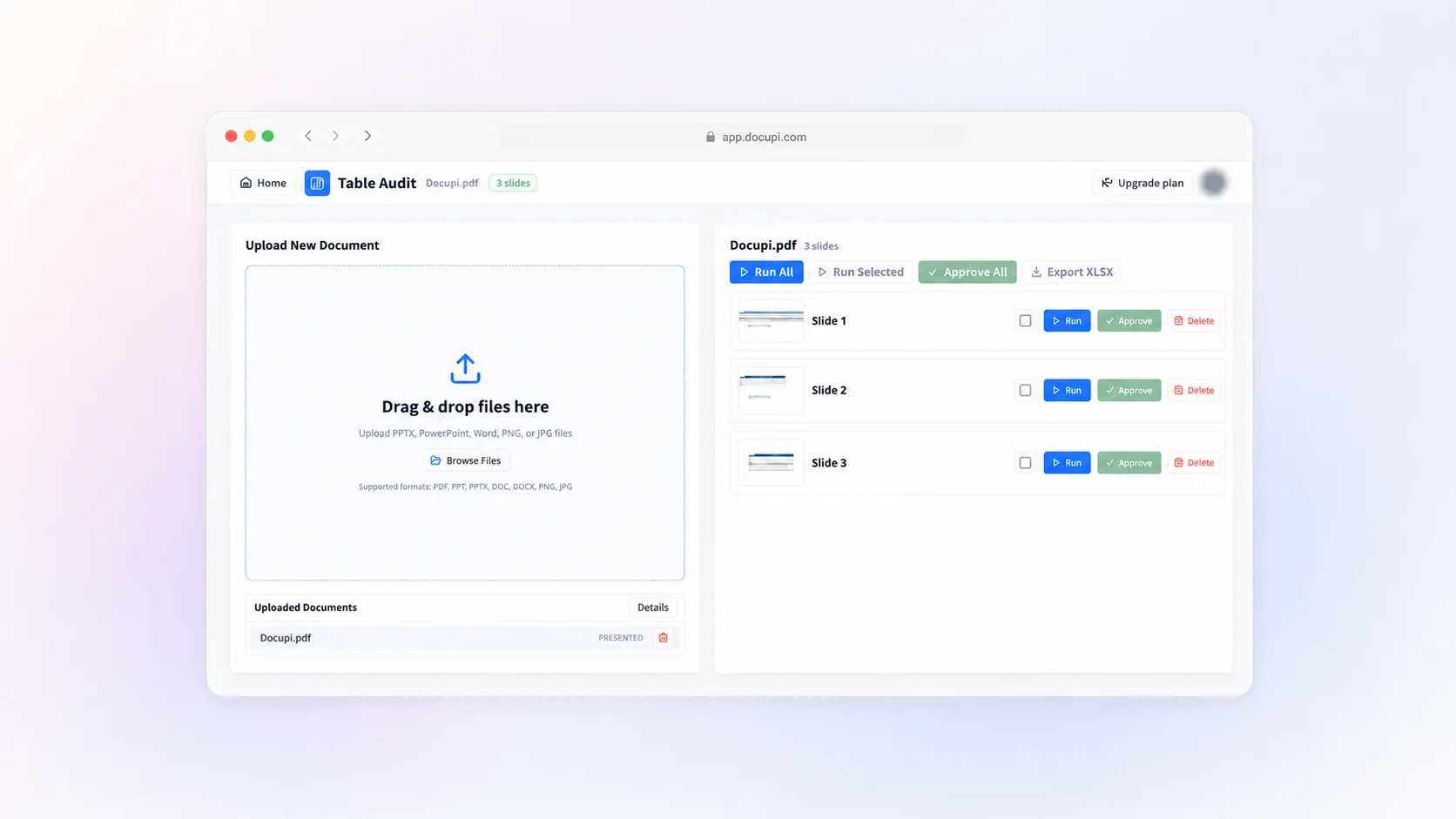
Built for PDFs that contain real business tables
Upload reports, statements, schedules, appendices, and other PDFs without rebuilding their tables by hand. Docupi identifies table structure while preserving the page context needed for validation.
Docupi turns document-heavy PDFs into structured, review-ready tables. Pages stay visible during review, so you can correct cells, approve the result, and export an Excel workbook with confidence.
Upload reports, statements, schedules, appendices, and other PDFs without rebuilding their tables by hand. Docupi identifies table structure while preserving the page context needed for validation.
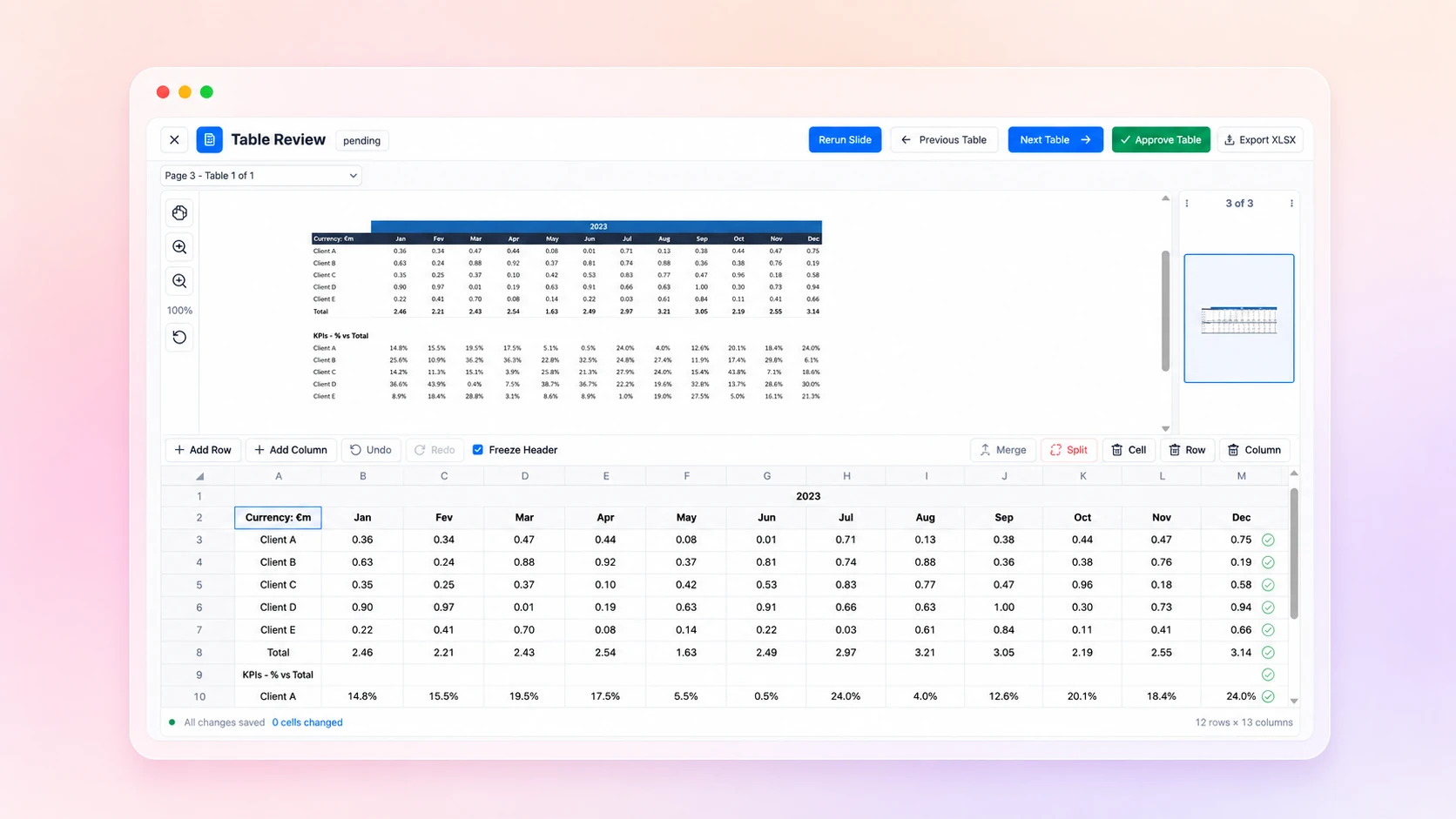
Compare every extracted table with its original page, fix individual cells or merged headers, rerun a page when needed, and choose which reviewed tables belong in the final workbook.
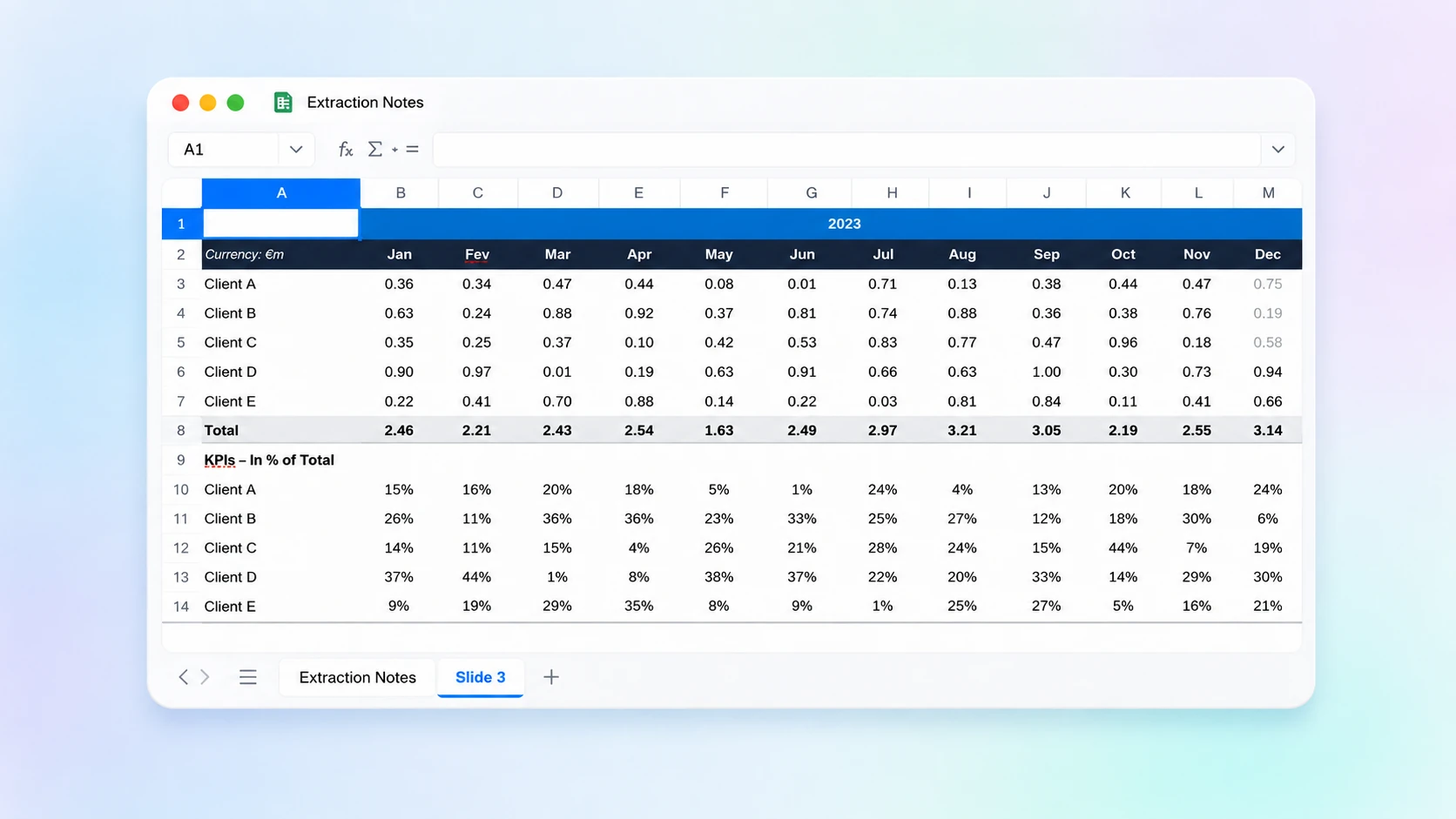
Preview the document, run extraction on all or selected pages, review the structured result, then export the tables you need. Previewing and reviewing do not consume your monthly page allowance.
Yes. Scanned pages can be processed as visual documents, then reviewed beside the original page before export.
Yes. You can run selected pages instead of processing the entire document.
Docupi produces structured tables that you review and approve before exporting them as an XLSX workbook.